Choosing between Ledger and Trezor is not just a product comparison. It is a decision about how you want to secure your Bitcoin for the next five to ten years. The wallet you buy becomes part of your routine for withdrawals, backups, firmware updates, and long-term storage discipline.
That matters because self-custody is where Bitcoin becomes real ownership. Once you move coins off an exchange, the hardware wallet becomes the gatekeeper between you and permanent loss. A good device lowers the chance of user error, blocks common attack paths, and makes it easier to verify what you are signing.
Trezor, created by SatoshiLabs in Prague in 2013, invented the consumer hardware wallet category. Ledger, founded in Paris in 2014, built its reputation around secure element chips and a more consumer-friendly app experience. More than a decade later, these are still the two brands most buyers compare first.
If you only want the short version, here it is: Ledger is the stronger fit for buyers who want mobile convenience, Bluetooth, and broad multi-asset support. Trezor is the stronger fit for buyers who care most about open-source verification, Bitcoin-only firmware, and a more transparent security philosophy. For a Bitcoin-focused buyer, that distinction matters more than most marketing pages suggest.
Why This Decision Matters for Bitcoin Self-Custody
When you leave Bitcoin on an exchange, you own an IOU. When you withdraw to a hardware wallet, you control the keys that authorize spending. That shift removes exchange counterparty risk, but it also puts the burden of operational security on you.
A hardware wallet is designed to keep those keys isolated from your laptop and phone. Even if your computer has malware, the private keys should stay inside the device, and the device should require you to confirm the destination address and amount on its own screen before signing. That is the whole point.
Ledger and Trezor both do that job. The differences show up in how they defend against physical extraction, how much code the public can inspect, how easy they are to use on mobile, and whether the experience is built for a Bitcoin-only stacker or a broad altcoin user.
Ledger vs Trezor at a Glance
| Feature | Ledger | Trezor |
|---|---|---|
| Current models | Nano S Plus, Nano X, Flex, Stax | Safe 3, Safe 5, Safe 7 |
| Price range | About $59 to $399 | About $59 to $249 |
| Secure Element | Yes, across all current models | Yes on Safe 3, Safe 5, Safe 7 via EAL6+ Optiga |
| Open source | Apps and some components open, core firmware model remains closed | Fully open-source approach |
| Connectivity | USB-C, Bluetooth on Nano X, NFC on Flex and Stax | USB-C across lineup, Bluetooth on newer premium Safe models, QR not core workflow |
| Companion app | Ledger Live | Trezor Suite |
| Asset support | 5,500+ | 9,000+ |
| Touchscreen | Flex, Stax | Safe 5, Safe 7 |
| Bitcoin-only firmware | No dedicated Bitcoin-only firmware mode | Yes, available on Safe 3, Safe 5, Safe 7 |
The table makes the high-level tradeoff obvious. Ledger leans toward convenience, portability, and consumer polish. Trezor leans toward openness, Bitcoin focus, and a security model that advanced users can inspect more directly.
Current Model Lineups
Ledger lineup in 2026
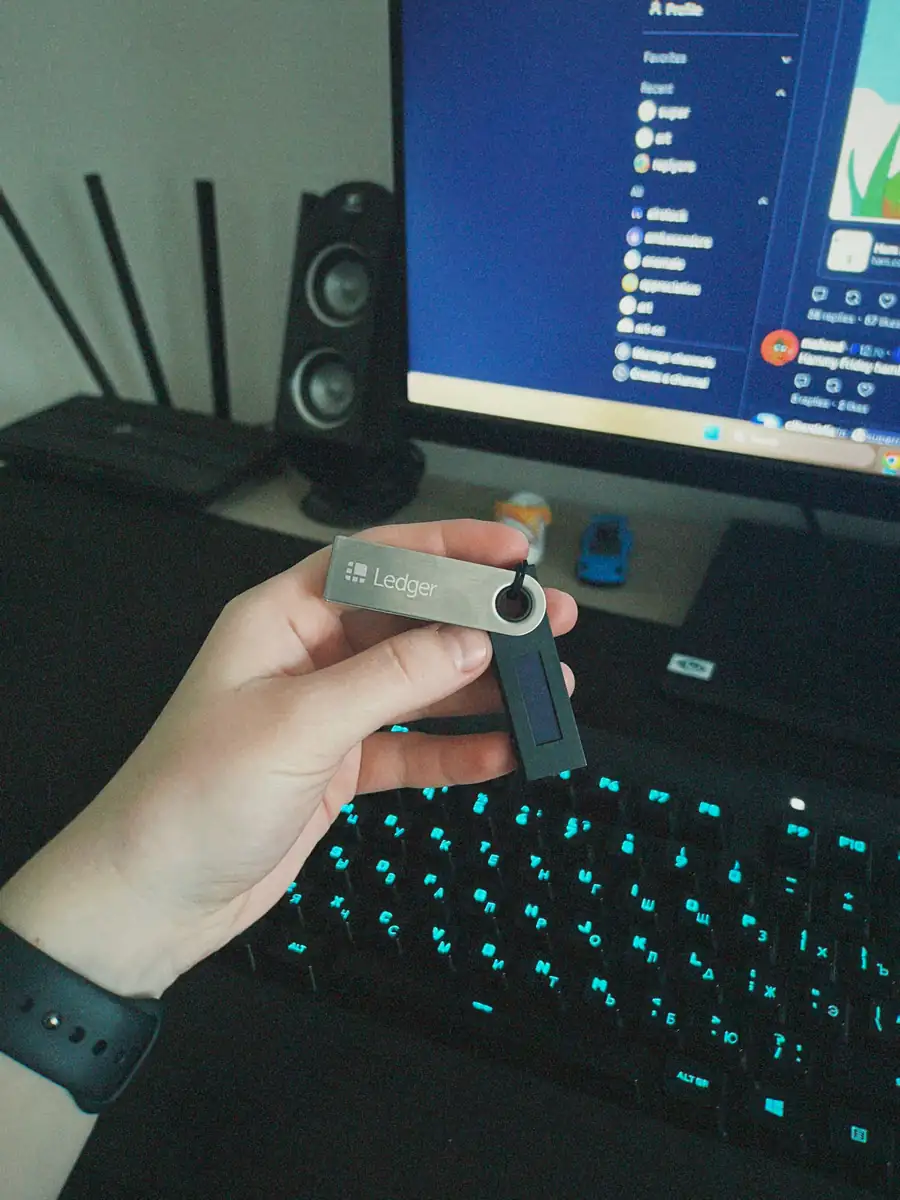
Ledger's current range starts with the Nano S Plus, moves to the Nano X, then to the touchscreen Flex, and finally the Stax. The Nano S Plus is the simple cable-first option. The Nano X adds Bluetooth and remains the most practical middle ground for people who want to sign from a phone.
The Flex and Stax are premium devices with larger displays, easier navigation, and a more modern form factor. If you sign often, the larger screen is not cosmetic. It materially improves address verification and lowers the odds of approving something you did not mean to approve.
Trezor lineup in 2026
Trezor's current lineup centers on the Safe series: Safe 3, Safe 5, and Safe 7. The Safe 3 is the affordable entry point and is available in a Bitcoin-only version. The Safe 5 adds a touchscreen and smoother day-to-day use. The Safe 7 is the premium flagship for buyers who want the most refined Trezor hardware.
For a Bitcoin stacker, the key detail is not just price. It is that Trezor offers a Bitcoin-only firmware path across the Safe line, which removes altcoin clutter from the device and from the mental model. That is attractive if your plan is simple cold storage, occasional withdrawals, and long holding periods.
Security Architecture: Where the Real Difference Starts
This is the section that actually decides the argument for most serious buyers. Both companies protect keys offline. The disagreement is about how much trust you should place in hidden hardware versus publicly auditable code.
Ledger's model: secure element first
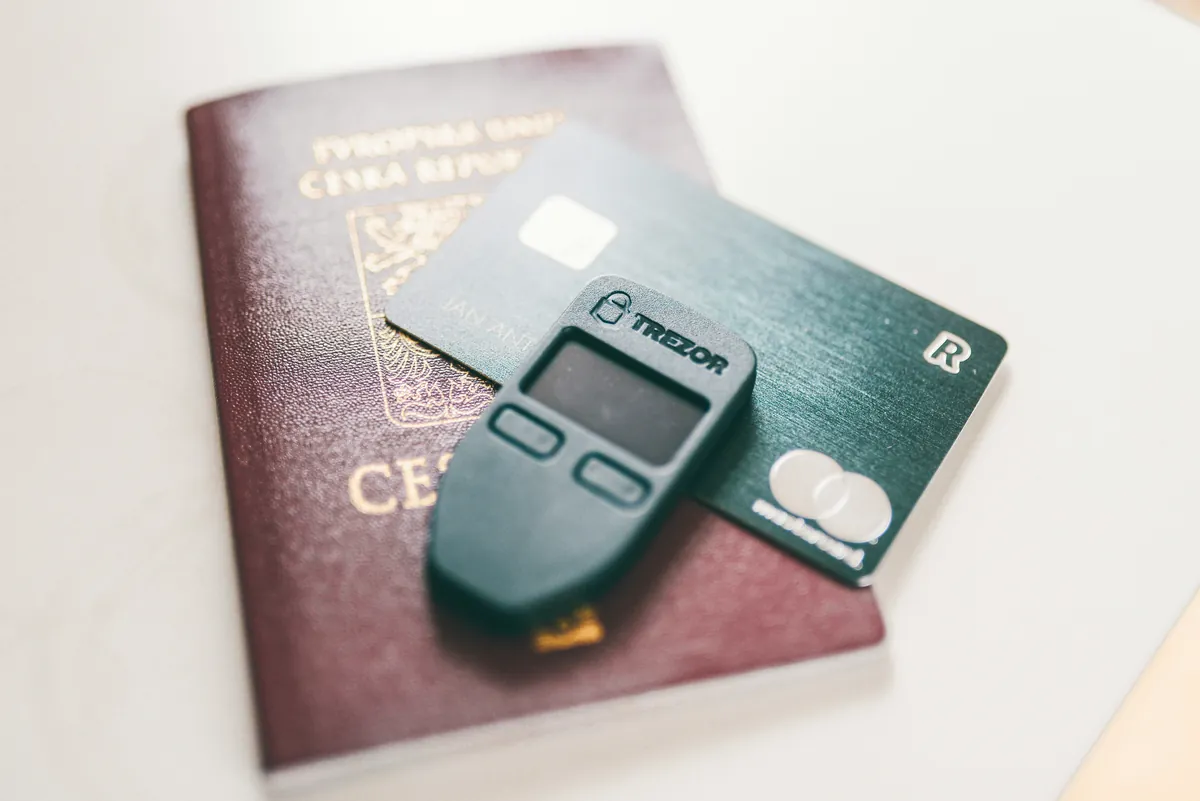
Ledger uses a secure element in every current device. That is a tamper-resistant chip designed to make physical extraction of secrets much harder. It is the same general class of hardened component used in passports, payment cards, and other systems where secrets need stronger resistance against direct hardware attacks.
In practice, Ledger's design means your private keys live inside a chip built specifically to resist probing, glitching, and invasive extraction attempts. For many buyers, especially those worried about physical theft or device seizure, that is compelling. It is a very concrete form of protection.
The tradeoff is that Ledger's firmware model is not fully open for public inspection. You can evaluate the company's security track record, published documentation, and external reviews, but you cannot independently audit the entire trust chain the same way you can with Trezor. That means Ledger asks for more trust in the vendor.
Trezor's model: open verification first
Trezor built its reputation on openness. Its firmware and design philosophy are intended to be inspectable by the public, which allows researchers and advanced users to review how the wallet works. The argument is straightforward: if you cannot inspect it, you are still trusting someone, even if the marketing language says otherwise.
That does not mean open source is magic. Most buyers will never read firmware code. What it means is that independent researchers can, bugs can be discussed publicly, and the security model is easier to verify without signing an NDA or relying purely on brand reputation.
On older Trezor devices, critics argued that openness came at the cost of weaker physical extraction resistance because there was no secure element. The Safe 3, Safe 5, and Safe 7 changed that discussion. These devices use an EAL6+ Optiga secure element while keeping Trezor's open-source posture, which narrows the gap considerably for buyers who previously dismissed Trezor on hardware hardening alone.
What open source actually means for security
Open source does not mean invulnerable. Closed source does not mean insecure. The real point is who can verify the system and how much of your confidence comes from independent review versus company assurances.
If a wallet is open source, outside researchers can inspect the implementation, compile firmware, review change history, and challenge the vendor publicly. That improves accountability. It also makes it easier for the community to spot design mistakes earlier.
If a wallet uses closed components, you may still have strong protection in practice, but the trust model shifts. You are relying more on certification, vendor competence, and the absence of undisclosed behavior. Some buyers are comfortable with that. Bitcoin maximalists often are not.
The Ledger Recover controversy still matters
In May 2023, Ledger announced Ledger Recover, an optional paid service that could split and back up seed material using encrypted shards. The backlash was immediate. The core issue was not whether the feature was opt-in. The issue was that it reminded users the device firmware could, under the right conditions and with the right code path, facilitate seed export.
Ledger argued that this did not create a new vulnerability so much as reveal capabilities already implied by a firmware-controlled device. That was technically defensible, but it still damaged trust. For many Bitcoiners, the controversy reinforced the downside of a more closed trust model: you cannot verify as much for yourself, so intent and communication matter more.
That episode does not mean Ledger devices are unsafe. It does mean buyers who want the most transparent possible trust model will keep leaning toward Trezor. If you can live with that tradeoff in exchange for better mobile usability and stronger consumer polish, Ledger remains a rational choice.
Usability and Software: Ledger Live vs Trezor Suite
Hardware wallet reviews often obsess over chips and firmware while ignoring the software you use every week. That is a mistake. The companion app shapes the real ownership experience, especially for new users.
Ledger Live
Ledger Live is one of Ledger's strongest advantages. It is polished, easy to understand, and available on desktop and mobile. Portfolio tracking, asset installs, account management, and transaction history are all integrated into one clean workflow.
If you own more than just Bitcoin, Ledger Live feels more complete. It handles a wide list of assets, and Ledger's device pairing with phones is notably stronger than Trezor's traditional desktop-first approach. Nano X remains attractive for exactly this reason: you can keep the wallet in a bag, pair over Bluetooth, and sign when needed.
The downside is that Ledger Live can feel busy for a Bitcoin-only user. Swaps, staking, and multi-chain integrations may look like convenience to one buyer and distraction to another. If your goal is disciplined Bitcoin storage, a feature-rich app is not always a pure positive.
Trezor Suite
Trezor Suite is more restrained. It feels closer to a security tool than a crypto super-app. For Bitcoin users, that is often a virtue. The interface is clean, the account model is understandable, and the environment feels less promotional.
Trezor also offers privacy-oriented features that resonate with serious Bitcoin holders, including coin control and Tor routing options inside the software. These are not flashy features, but they matter if you care about UTXO management and on-chain privacy. That makes Suite feel more aligned with the values of a conservative Bitcoin stacker.
Where Trezor has historically lagged is mobile convenience. Ledger still has the edge if you want to sign from a phone regularly. Trezor's newer Safe products improve flexibility, but the brand remains more naturally at home on desktop.
Setup and firmware updates
Both brands guide you through wallet creation, seed backup, PIN setup, and firmware updates in a user-friendly way. The important thing is not which wizard looks prettier. It is whether the device makes address verification easy and whether updates are predictable enough that you will actually install them.
On small-screen devices, reading long Bitcoin addresses is awkward. This is one reason the Trezor Safe 5, Trezor Safe 7, Ledger Flex, and Ledger Stax deserve extra credit. Better screens reduce friction and make verification less error-prone.
Asset Support and Bitcoin Focus
This is the easiest category to summarize. Ledger is more attractive for buyers who want one wallet for Bitcoin, Ethereum, stablecoins, NFTs, and a long tail of other assets. Trezor supports a wide range of assets too, but the center of gravity feels different.
Ledger advertises support for 5,500+ assets, while Trezor now lists support in the 9,000+ range across coins and tokens. Raw asset count is not the only metric that matters, though. The more useful question is how those assets fit into the native workflow and whether the device is really optimized for your use case.
For a Bitcoin-only user, the extra thousands of tokens do not help much. In fact, they can add noise. Trezor's Bitcoin-only firmware option is one of its strongest differentiators because it strips the wallet down to the use case many serious stackers actually want. That reduction in complexity is not trivial. Fewer features can mean fewer decisions, less clutter, and lower odds of making a mistake.
For a multi-chain user, the conclusion changes. Ledger's ecosystem is broader, its app is more developed for general crypto usage, and the mobile experience is materially better. If you trade, bridge, or interact across several chains, Ledger is easier to live with.
Price Breakdown and Value Per Dollar
Price matters, but only within reason. If you are storing a meaningful amount of Bitcoin, the difference between a $59 wallet and a $249 wallet is small compared with the value it protects. Still, price helps clarify which model makes sense for different buyer profiles.
Ledger pricing
- Nano S Plus: about $59
- Nano X: about $99
- Flex: about $249
- Stax: about $399
The Nano S Plus offers the cheapest entry into Ledger's secure element lineup, but the Nano X is usually the better value because Bluetooth and stronger mobile support change how often you actually use the wallet. The Flex is easier to justify than the Stax for most buyers. It gives you a large touchscreen and a more comfortable signing experience without pushing into luxury pricing.
Trezor pricing
- Safe 3: about $59
- Safe 5: about $129
- Safe 7: about $249
The Safe 3 is one of the strongest value buys in hardware wallets right now. You get a modern Trezor device, Bitcoin-only firmware availability, and secure element support without paying flagship prices. The Safe 5 is where Trezor becomes especially appealing because the touchscreen makes everyday use more comfortable while preserving the open-source, Bitcoin-friendly positioning.
The Safe 7 competes more directly with Ledger's premium devices. At that level, the decision is less about budget and more about philosophy. Do you want a refined premium device built around Trezor's transparent model, or do you want Ledger's premium hardware experience with stronger mobile integration?
Best value for most buyers: Trezor Safe 3 if you are Bitcoin-first and price-sensitive, Ledger Nano X if you need mobile signing, and Trezor Safe 5 if you want a premium Bitcoin-focused wallet without going all the way to flagship pricing.
Check Trezor Safe 3 pricing
Check Trezor Safe 5 BTC-only pricing
Check Trezor Safe 7 pricing
Check Ledger pricing
Which Should You Choose?
If you are trying to decide quickly, use the decision framework below.
Choose Ledger if:
- You want Bluetooth and a better phone-based signing experience
- You hold many assets and want one wallet for broad crypto support
- You care a lot about a polished companion app
- You are comfortable trusting a more closed firmware model in exchange for convenience and secure element hardening across the lineup
Choose Trezor if:
- You prioritize open-source verification and transparent security design
- You are primarily a Bitcoin holder, not a multi-chain collector
- You want Bitcoin-only firmware as an option
- You prefer a more restrained software experience centered on custody rather than crypto features
For Bitcoin-only stackers
If your real use case is buying Bitcoin, withdrawing to cold storage, and holding for years, Trezor has the cleaner answer. The Trezor Safe 3 in Bitcoin-only mode is the practical value pick. The Trezor Safe 5 BTC-only is the stronger premium option because the touchscreen makes verification easier and the overall experience calmer and more focused.
Ledger is still a credible choice for a Bitcoiner, especially if mobile convenience matters or if you already live inside the Ledger ecosystem. But if you asked me which philosophy maps more naturally to long-term Bitcoin self-custody, it is Trezor's.
Frequently Asked Questions
Is Ledger or Trezor more secure?
They emphasize different parts of security. Ledger leans harder into physical tamper resistance through secure elements and closed components. Trezor leans harder into open-source verification and public auditability, while its Safe devices also add an EAL6+ secure element.
Which is better for Bitcoin only?
Trezor. The Bitcoin-only firmware option on Safe 3, Safe 5, and Safe 7 makes the product feel more aligned with long-term Bitcoin storage and less cluttered by altcoin features.
Did the Ledger Recover controversy make Ledger unsafe?
No, but it changed how many people think about trust. The controversy highlighted that firmware capabilities and company trust matter more when the full stack is not openly auditable.
Can I use these wallets with a phone?
Ledger is generally better on mobile. Nano X is the easiest answer if you want regular phone-based signing. Trezor is improving, but it still feels more desktop-centered overall.
Should I buy direct from the manufacturer?
Yes. Buy from the official Ledger or Trezor store whenever possible. It reduces supply-chain risk and makes support and returns more straightforward.
Bottom Line
Ledger and Trezor are both legitimate hardware wallet brands with long operating histories. Neither choice is reckless. The right answer depends on what kind of buyer you are.
If you want broader crypto support, better mobile convenience, and a smoother consumer app, buy Ledger. If you want the cleaner Bitcoin-first story, open-source verification, and a more transparent trust model, buy Trezor.
For most Bitcoin stackers, Trezor has the edge in 2026. The Safe 3 is the value recommendation. The Safe 5 BTC-only is the stronger long-term recommendation if you want a better screen and a more comfortable signing experience.
Buy Trezor direct from the official store
Buy Ledger direct from the official store